Trade shows bring a little bit of everything into one packed event space. Product teams arrive with demos as buyers move between booths and speakers work to make ideas land. People travel into the city with full calendars and plenty of options competing for their attention. In a trade show setting, projector screen rentals turn slides and product visuals into something that resonates with guests quickly.
Screen Size
The amount of visual information a booth or presentation area carries counts on screen size. A small screen works well for close product conversations because the viewer stands near the display. On the other hand, a vast screen is ideal for demos to accommodate a big group of people.
The best size choice depends on the job assigned to the screen. A looping brand video asks less attention of the viewer than a software walkthrough with menus and small labels.
Booth Footprint
Booth footprint keeps the size decision grounded in the space available. A screen should support the exhibit without swallowing the area where staff speak with guests. Tables and demo stations already compete for room.
A compact footprint calls for a screen that sits neatly inside the booth structure. Larger spaces offer more freedom because the screen can become a visual anchor. Even then, the rental should leave enough room for staff to move around with ease.
Content Scale
The audience needs to be able to comprehend the content on the screen without difficulty. Big product images and short message slides work at modest sizes because the viewer processes them quickly. Detailed interfaces or technical diagrams ask for more image area.
Before choosing a screen, think through the smallest detail people must read. A screen that handles those aspects without straining their eyes will make the content easy to follow.
Projector Brightness
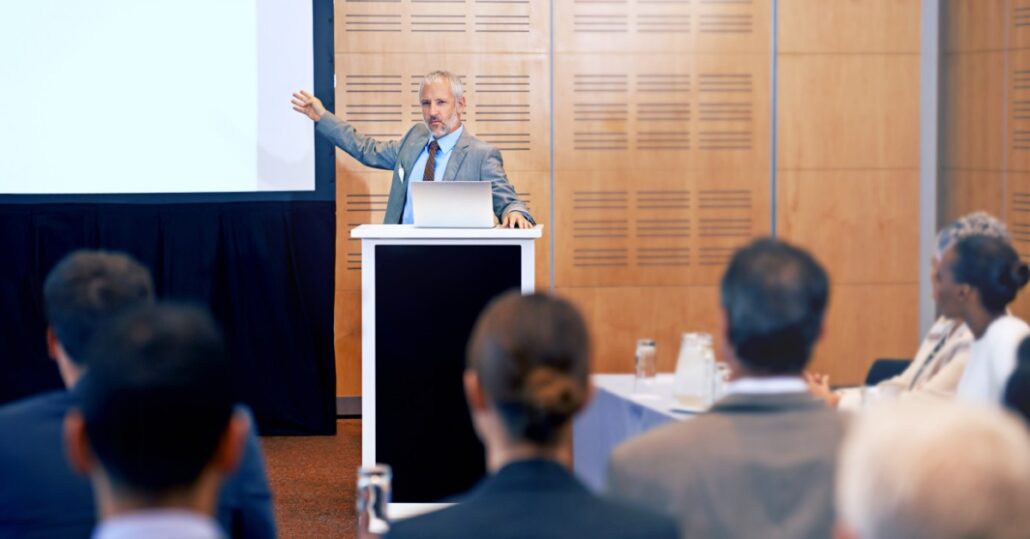
Projector brightness decides whether the image holds up under event lighting. Trade show halls usually have overhead fixtures and bright booth displays nearby. A low-output projector may work in a dark meeting room, but it can lose its power inside a bustling exhibit environment.
Room Light
Bright halls wash out pale backgrounds, and thin text is extremely difficult to read. With the presence of nearby displays, there will be additional light sources detracting from your screen.
A powerful projector gives the image more punch in rooms with numerous sources of illumination. The photos and videos will remain clear, and viewers will be able to soak up every detail.
Screen Scale
Even if a projector produces a sharp image on a modest screen, there’s no guarantee it will look crisp on a much bigger one. A large screen requires additional brightness from the projector because the equipment has to spread light across a wide surface. Consider the screen’s dimensions alongside the projector’s output to keep presentations, product videos, and detailed visuals clear.
When you match the projector’s brightness to the screen size, the image maintains its strength across the entire surface. This balance gives product visuals the presence they need to stand out among the surrounding booth displays.
Image Quality
Viewers want to see the fine details of product photos, diagrams, and software interfaces. High-resolution and HD-capable rental options keep those elements sharp.
Trade show guests may only look at your display for a few seconds before deciding whether to stop. When the image is crisp, they will read key text without waiting for a presenter to explain every feature.
Plus, the staff will be able to point to a specific feature on the screen that the guest can clearly see. Attendees won’t have to squint to see, and the presenter will get their point across effectively.
Device Connections
Device connections answer a simple question before the event opens. How will the content get from the laptop or source device to the projector? This step seems minor, but it will have a huge impact on event-day flow.
Many teams bring slide decks or product videos on a laptop. Others use media players or camera sources. The rental plan should account for the source device, so the right cables and inputs arrive with the equipment.
Laptop Playback
Most trade show presentations start with a laptop, whether the team plans to run a short slide deck, play a product video, or keep branded content on a loop. HDMI connections support many of these setups, and some projectors include multiple HDMI inputs for teams that need to connect more than one device.
Planning the connection before the event helps the presentation run smoothly. Confirm that the laptop uses a compatible output. Otherwise, you’ll need to have the appropriate adapter on hand.
Multiple Sources
Some booths use the screen for more than one type of content throughout the day. The team might start with a looping product video, switch to a speaker presentation, and then show a camera feed or software demonstration. Each source adds another step to the connection plan.
To help presenters change the content quickly, a switcher is a useful tool. It managers those transitions from one central point. Instead of unplugging devices between segments, the team can move from the presentation to a live video with minimal interruption. Viewers will appreciate the engaging content and seamless transitions.
Screen Format
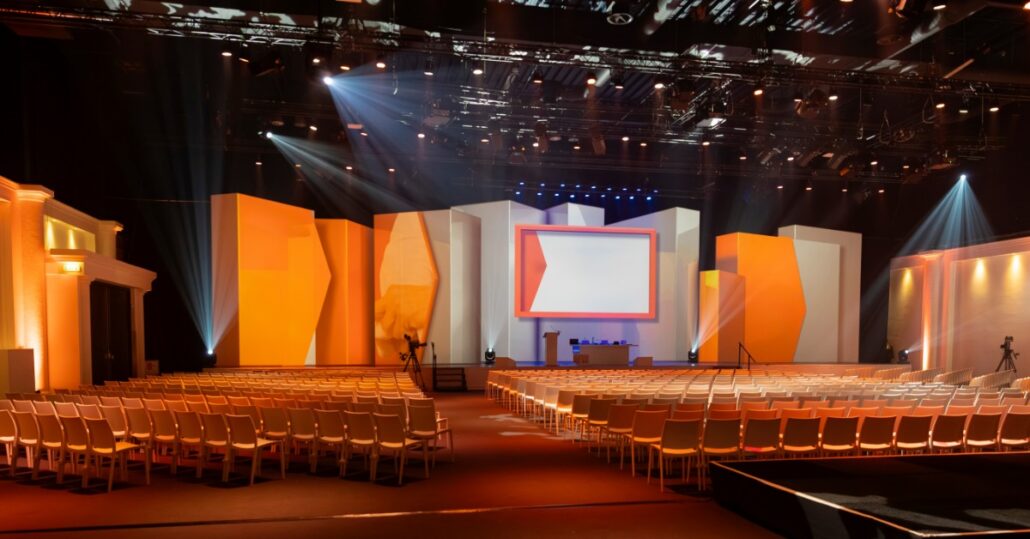
The type of screen you choose affects both the event space and the overall presentation. Screen size determines how large the image appears, while format influences how the screen stands, frames the image, and fits into the display area.
Fast-fold screens provide a clean viewing surface for temporary event setups. Their frames and support structures make them practical for organized presentations, and a black dress kit can conceal the area around the screen for a more polished look.
When the venue has enough room behind the display, rear projection offers another useful option. The projector sits behind the screen, keeping the projection path away from presenters and attendees while giving speakers more freedom to move in front of the image.
Showcase Incredible Visuals
At a trade show, projector screen rentals work best when the equipment matches the visual goal. A booth showing quick brand clips doesn’t need the same setup as a team running detailed demos all day. The best choice starts with what the audience must see and how the content will reach the projector itself.
Exhibitors who need a projector rental in Chicago and various AV equipment will have all the supplies they need when they choose Chicago Audio Rentals. Our rental selection is ready to support every element, from screens to mixers to microphones, the presentation demands. Browse our individual items for rent or find the rental package that suits the event.