
Corporate seminars depend on clear communication. Whether you’re hosting a leadership meeting, training session, client presentation, or company-wide event, attendees need to see the content clearly and stay engaged from start to finish. A well-planned LED wall setup can make presentations look polished, keep branding visible, and help the event run more smoothly.
The opposite is true when the setup is rushed. If the screen is too small, poorly placed, or not tested ahead of time, it can create distractions that pull attention away from the speaker. Fortunately, most of those problems are preventable with better planning, so we’re here to give you some tips on how to set up an LED wall for a more successful corporate seminar.
Choose the Right LED Wall Size for the Room
One of the first decisions you’ll need to make when choosing an LED wall rental is the size that’ll best fit the venue. Bigger isn’t always better, and smaller isn’t always practical. The right size depends on the room, the stage, and how far the audience will be from the screen.
In a smaller conference room, an oversized LED wall can crowd the stage and make the setup feel unbalanced. In a large ballroom, a wall that is too small may leave attendees struggling to read slides from the back of the room. The goal is to make content easy to see without overwhelming the rest of the event design.
It also helps to consider what will actually appear on the screen. If speakers are using slides with text, graphs, or data points, readability matters more than visual impact alone. It’s best to select a wall that supports the seminar itself, not just something that looks impressive in the room.
Set the LED Wall Where Everyone Can See It
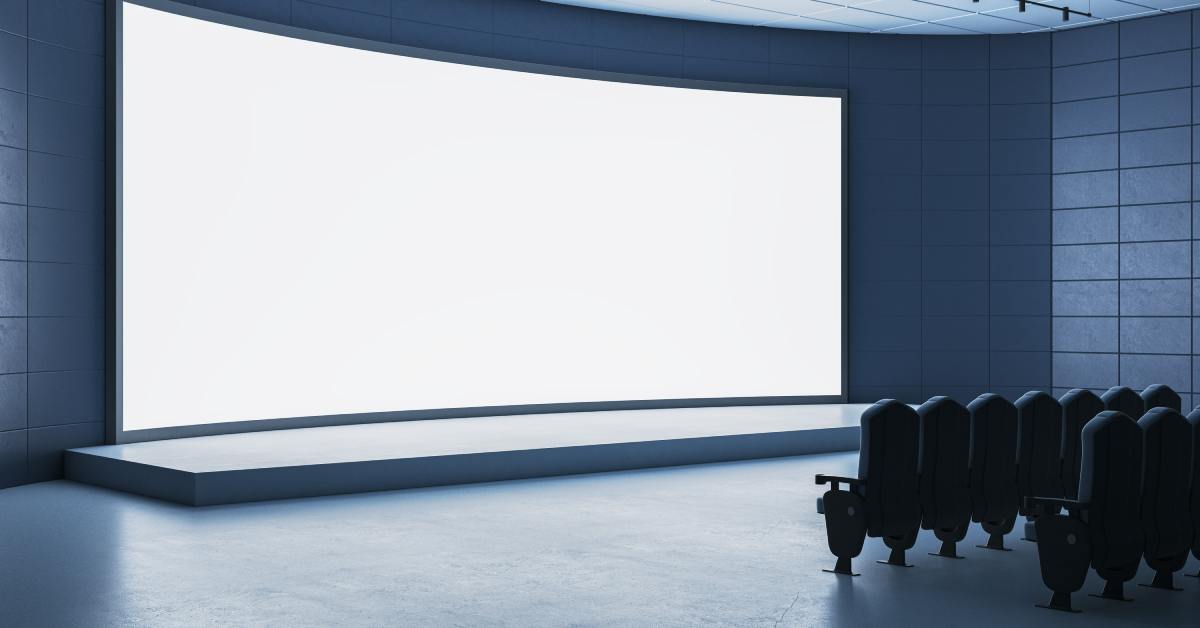
Screen placement matters just as much as screen size. Even a high-quality LED wall will underperform if only part of the audience has a comfortable view of it. For most corporate seminars, the wall should support the speaker rather than compete with them.
That usually means placing it where attendees can naturally shift their focus between the presenter and the screen. If the display sits too far to one side, people on the opposite end of the room may have a poor viewing angle and miss key content. Seating style also matters, since sightlines can change significantly between theater seating, classroom rows, and round tables.
Stage traffic should be part of the plan, too. Speakers need room to move, panelists need to stay visible, and podiums should not block important visuals. A successful setup feels integrated into the room rather than added at the last minute.
Use Presentation Content That Works on an LED Wall
A strong screen can’t fix a weak presentation design. If the slides are cluttered, the fonts are too small, or the visuals are overloaded, even the best LED wall setup will struggle to create a clear viewing experience. Corporate seminar content usually works best when it’s simple, high contrast, and easy to absorb quickly.
That is especially important when attendees are seated far from the stage. A graph that looks readable on a laptop can feel cramped when displayed in a ballroom. It helps to simplify charts, limit text on each slide, and focus each screen on one main point.
Don’t forget to look over video content and branded graphics as well. Colors, motion elements, and logo placement can all look different on a large display than they do on a desktop screen. Catching those issues early gives your team time to adjust before guests arrive.
Plan Power and Signal Connections Ahead of Time
Some of the most frustrating setup issues have nothing to do with the LED wall itself. They come from power access, signal flow, and last-minute connection problems that should have been addressed long before event day. If you ignore those details, a good screen can still become part of a messy production.
An LED wall needs reliable power in the right location, and that requirement can affect where you can realistically place the wall. Signal planning matters just as much. Think through every content source the seminar will use, including presenter laptops, playback devices, switchers, and any backup systems.
This becomes even more important when multiple speakers are involved. Plan out handoffs ahead of time so there is no confusion about when or where the connection will take place. When you organize power and signal logistics early, setup day tends to run much more smoothly.
Coordinate the LED Wall With the Rest of the AV Setup
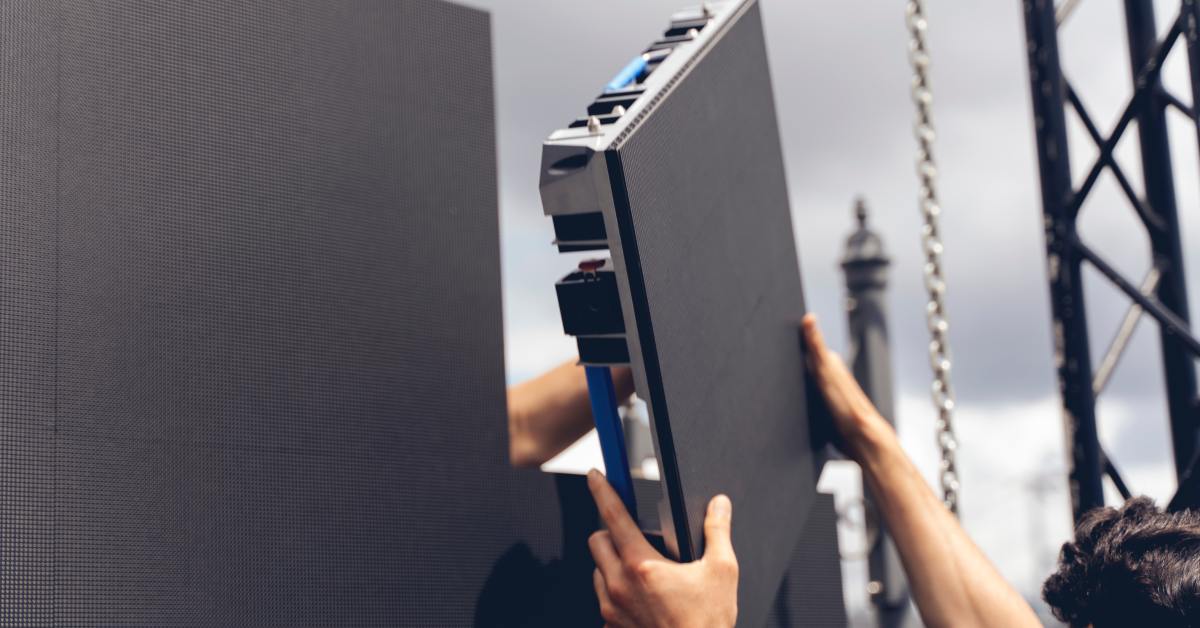
An LED wall should never be treated like a standalone feature. It needs to work with the rest of the seminar setup, including audio, lighting, staging, and the physical flow of the room. When planning those elements together, the event will feel more polished and easier to manage.
The screen placement should not interfere with speaker positions, podium sightlines, or panel seating. It should also fit the lighting plan, so the stage looks balanced in person and on camera. A coordinated setup makes walk-ons, video cues, and presenter transitions easier for the production team to handle.
Test the Full Setup Before the Seminar Starts
If you want a successful corporate seminar, testing will be the most important step in the LED wall setup process. Even when the equipment is right and the planning is solid, you still need a full run-through before attendees enter the room. That is the best time to catch formatting issues, playback errors, or signal problems before the seminar begins.
Start by checking slides, videos, transitions, and branded graphics on the actual LED wall. Then review visibility from different parts of the room, including the back and side seating sections. If the seminar includes multiple presenters, rehearse handoffs between devices so everyone understands the flow.
Backup planning should be part of that test as well. Spare cables, backup laptops, and alternate playback options can save the day when something unexpected happens. Corporate seminars leave little room for technical improvisation, so a solid rehearsal can make the difference between a smooth event and a stressful one.